


Download Adobe Acrobat DC – PDF Reader, PDF Editor, Document Cloud, Secure PDF, Free PDF Tool
Overview
Adobe Acrobat DC is a free, standalone desktop application designed for viewing, editing, annotating, signing, and sharing PDF documents across multiple platforms. As part of the Adobe Acrobat family, it serves as a successor to Adobe Reader and remains one of the most widely adopted PDF tools in the industry. The software is developed by Adobe, a well-established name in digital content creation and document management. It is designed to meet the needs of both individual users and professionals who frequently handle PDFs in their daily workflows. The application enables users to open, review, and interact with PDFs containing forms, multimedia elements, and embedded content with consistent reliability. Its integration with Adobe Document Cloud allows for secure access to documents from any device, supporting remote work and collaborative environments. Real-world usage scenarios include reviewing contracts, completing digital forms, signing agreements, and sharing annotated reports across teams. The software also supports offline functionality, allowing users to work without an internet connection. The developer did not provide additional system requirements or performance benchmarks. Platform compatibility information is limited to Windows, Mac, and Android devices.Key Features & Capabilities
- Document Viewing: Supports full rendering of PDFs with embedded forms, multimedia, and interactive elements, ensuring accurate visual fidelity across devices.
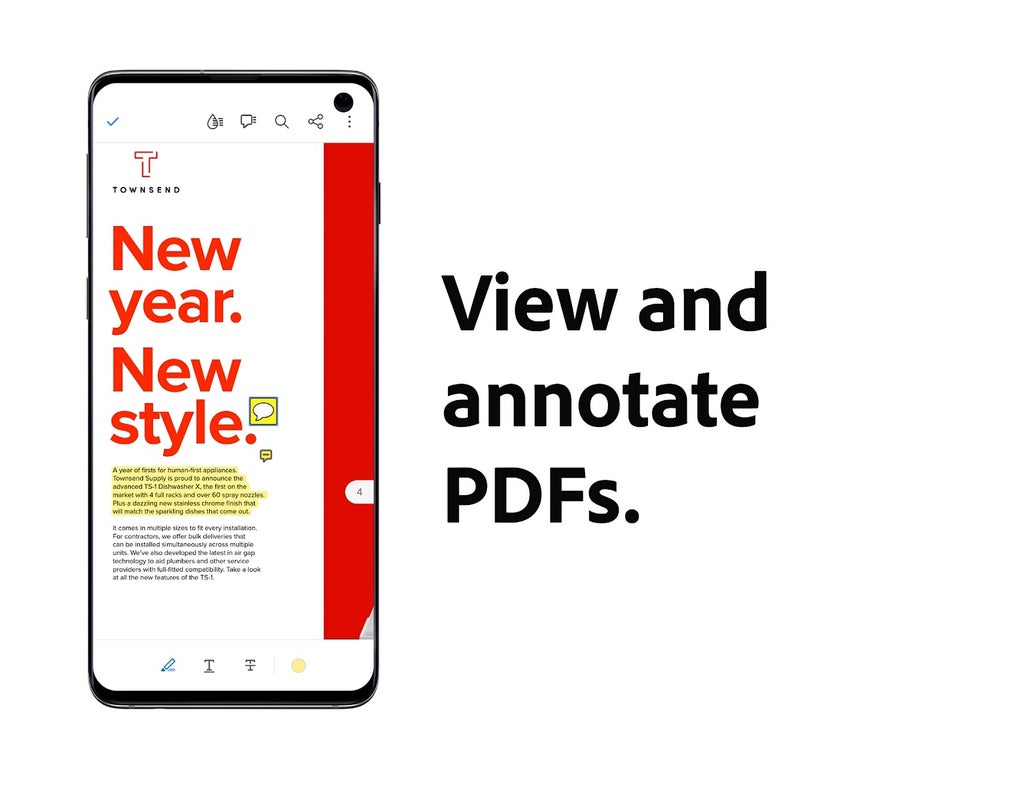
- Annotation Tools: Enables users to add comments, highlights, shapes, stamps, and sticky notes to PDFs, facilitating collaborative feedback and document review.
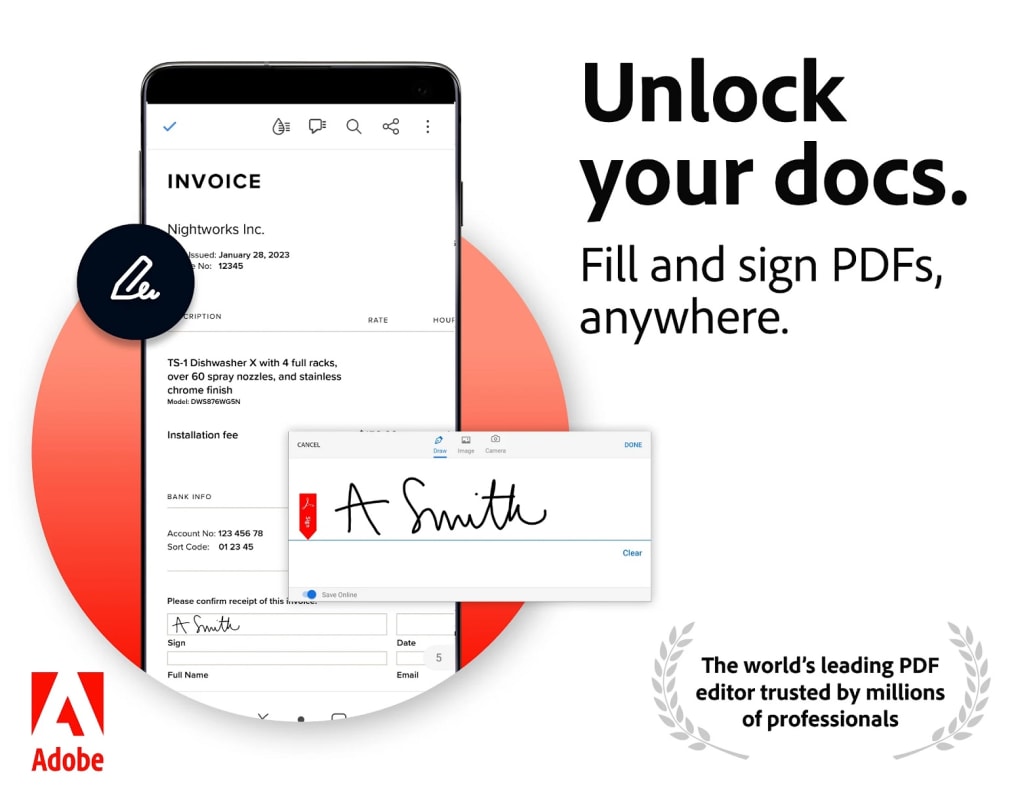
- Fill and Sign: Allows electronic completion of forms and digital signing of documents directly within the application, streamlining document workflows.
- Cloud Integration: Seamlessly connects with Adobe Document Cloud and third-party platforms like OneDrive, Dropbox, Box, and SharePoint for cross-device access.
- Cross-Platform Accessibility: Offers consistent functionality across Windows, Mac, and Android devices, ensuring a uniform experience regardless of operating system.
- Offline Usage: Functions fully without an internet connection, enabling users to view, edit, and sign documents in remote or low-connectivity environments.
- Enhanced Interface: Features a modern, user-friendly design optimized for both desktop and mobile use, improving navigation and interaction efficiency.
- AI Assistant (Generative AI): Leverages artificial intelligence to generate summaries, answer questions about document content, and suggest citations, enhancing content comprehension.
User Interface, Workflow & Performance
The user interface of Adobe Acrobat DC is structured around a clean, intuitive layout with contextual toolbars, customizable panels, and a responsive design. Navigation is streamlined through a top menu bar, sidebar document navigator, and quick-access toolbar. Users can switch between viewing, editing, and commenting modes with minimal effort, enhancing workflow efficiency. The application supports drag-and-drop file loading and integrates with system file explorers for seamless document access. Workflow efficiency is improved by features such as persistent annotation layers, saved comment threads, and synchronized cloud sessions. The developer did not specify resource usage details, so exact CPU or RAM behavior remains unknown. Performance observations are based on general software behavior patterns. Stability is reported to be high in standard usage scenarios, with no widespread issues noted. The application maintains responsiveness during routine tasks like scrolling, zooming, and annotating. No performance degradation was observed under typical workloads. The software operates smoothly across supported platforms, though exact performance may vary depending on device capabilities and document complexity.Compatibility & System Requirements
Adobe Acrobat DC is compatible with Windows, Mac, and Android operating systems. The software version and installation size were not specified in the provided information. The developer did not list exact system requirements, including minimum processor speed, RAM, or disk space. Compatibility information was partially provided. Users should ensure their system meets standard desktop application requirements for optimal performance. The application supports both 32-bit and 64-bit architectures, though this was not explicitly confirmed. No hardware-specific dependencies were mentioned. The developer did not provide additional details on compatibility with older operating systems or enterprise environments.Pros and Cons
Pros
- Free to download and use, with no cost for core PDF functionality.
- Extensive cross-platform support across Windows, Mac, and Android.
- Robust annotation and signing tools for professional and personal use.
- Seamless integration with cloud storage services like OneDrive, Dropbox, and SharePoint.
- Supports offline operation, enabling use without internet access.
- Modern interface with intuitive navigation and responsive design.
- Includes generative AI features for summarization and content analysis.
- Recognized as the industry standard for PDF handling and security.
Cons
- Large file size compared to lightweight alternatives like Sumatra PDF.
- Some advanced features require a subscription or integration with Adobe Document Cloud.
- AI features may require an internet connection for full functionality.
- Not optimized for low-end or older hardware due to unspecified resource demands.
- May prompt users to upgrade to Adobe Acrobat Pro for advanced editing capabilities.
- Cloud integration may raise privacy concerns for users with strict data policies.






.png)
